
Why AI Powered Visitor Screening Is Becoming Standard For Enterprise Security
Quick answer: Sign in sheets and a quick glance at an ID just aren’t enough anymore, and most security teams already know it. AI powered visitor screening steps in to actually verify who someone is, check them against watchlists, confirm their host approved the visit, and catch anything that looks off, all before that person even reaches the door. That’s a level of screening a clipboard was never built to handle.
For years, visitor management meant a clipboard, a name badge, and a front desk person trusting whatever someone wrote down. That approach was never really secure, it just went unquestioned because nothing better existed yet. Now that AI driven screening is available and affordable, that same clipboard process looks less like a formality and more like an open door.
The Shift Behind This Security Requirement
Enterprise security has shifted from reactive to preventive over the past few years, and visitor access is one of the clearest examples. A single unverified visitor walking into a building is no longer treated as a minor administrative gap, it is treated as a real exposure point, especially for organizations handling sensitive data, regulated industries, or high value physical assets.
At the same time, the technology to close that gap has matured fast. Facial recognition, ID verification, and automated watchlist checks used to require expensive, specialized hardware. Today they run through a kiosk or tablet at the front desk, integrated directly into the same system that issues a visitor badge. That drop in cost and complexity is a big part of why adoption has moved from early adopters to standard practice.
How AI Powered Visitor Screening Actually Works
The term sounds more complicated than the actual function. At its core, AI powered screening automates three things a human at a front desk cannot reliably do at scale.
Identity verification. Instead of trusting a name typed into a form, the system captures a photo, verifies it against a government ID, and confirms the person is who they claim to be, in seconds rather than a manual glance.
Watchlist and blocklist matching. The system automatically checks incoming visitors against internal blocklists or external watchlists, something that would be nearly impossible for front desk staff to do consistently by memory or manual lookup.
Host approval and pattern flagging. Rather than letting anyone in who gives a plausible reason, the system requires the visitor’s host to confirm the visit in advance, and it can flag unusual patterns, like a visitor arriving unannounced, visiting far more frequently than expected, or requesting access to restricted areas outside their stated purpose.
None of this requires the visitor to feel like they are being interrogated. Done well, it happens in the background while they simply check in on a screen, the way checking into a hotel or an airport kiosk already feels routine.
Why This Matters Beyond Just Security
There is a compliance angle here too, one that often gets overlooked. Many industries now require documented proof of who entered a facility and when, particularly anywhere handling personal data, healthcare information, or government contracts. A digital, AI verified visitor log creates that audit trail automatically, versus a paper sign in sheet anyone can falsify easily and rarely accurate anyway.
There is also a genuine operational benefit. Front desk staff spend less time manually checking IDs and more time actually helping visitors, which improves the overall experience for legitimate guests while making it harder for anyone with bad intent to simply walk in.
Insurance and liability considerations are pushing adoption too, though they rarely get mentioned in the same breath as security. If an incident happens on premises, being able to show exactly who was in the building, when they arrived, who approved their visit, and what areas they accessed can matter a great deal during an investigation or a claim. A vague sign in sheet with illegible handwriting does not hold up nearly as well as a verified digital record with timestamps and photo confirmation attached.
Key Features That Separate Real Screening From a Digital Sign In Sheet
Not every visitor management platform on the market actually screens visitors, some just digitize the sign in process without adding real verification. A few things separate a genuine screening system from a digital clipboard.
- Real time ID verification, not just a typed name field
- Automated watchlist and blocklist checks built into the check in flow
- Host notification and approval before badge issuance
- Pattern and anomaly flagging across repeat visits
- Integration with existing access control and building security systems
- Clear audit logs for compliance reporting
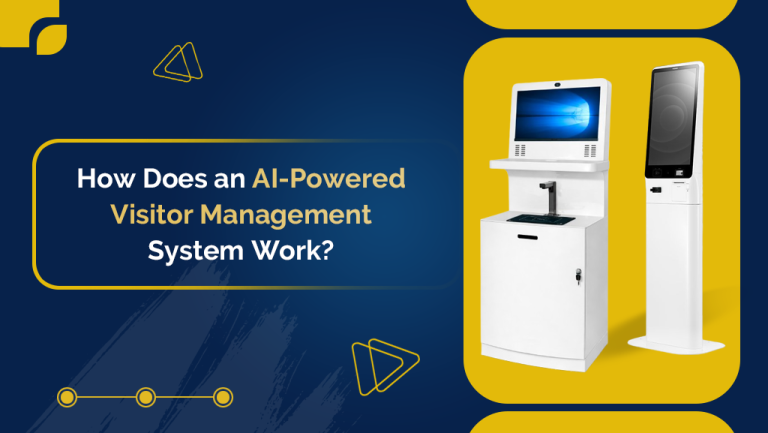
Hardware matters too. A screening kiosk needs a camera and interface reliable enough to capture a clean ID scan on the first try, since a clunky process just pushes staff back toward manual overrides, which defeats the purpose entirely. It also helps if the system works smoothly for repeat visitors, contractors, and vendors who come in regularly, rather than forcing the same lengthy verification every single time someone security already cleared walks through the door.
Frequently Asked Questions
What is a visitor management kiosk?
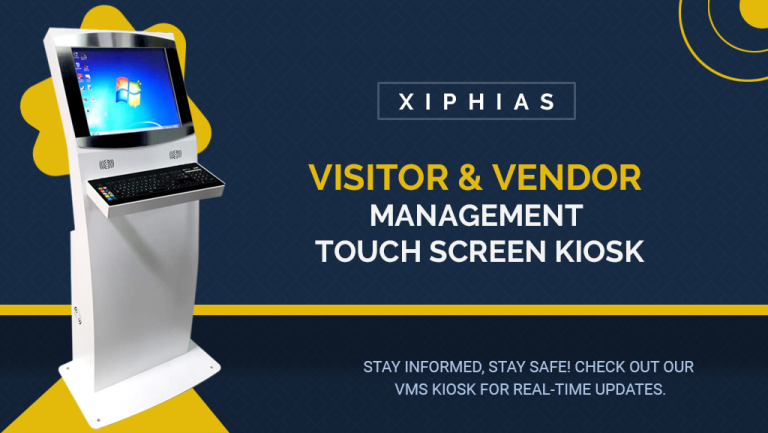
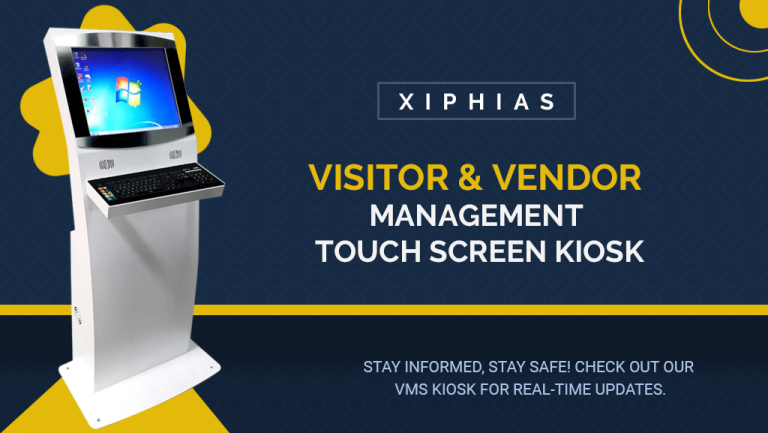
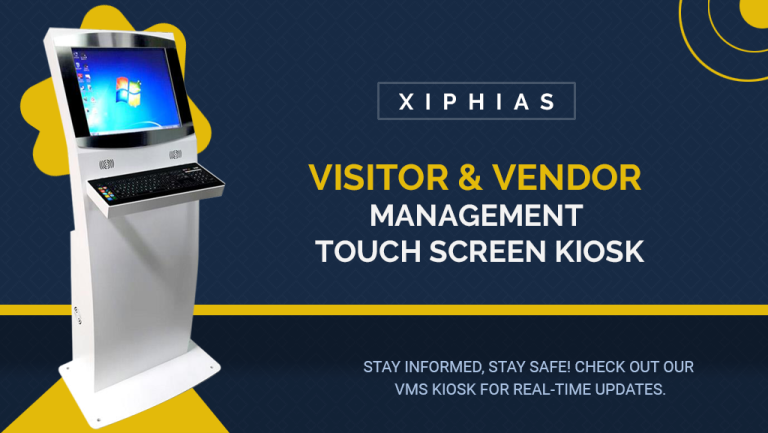
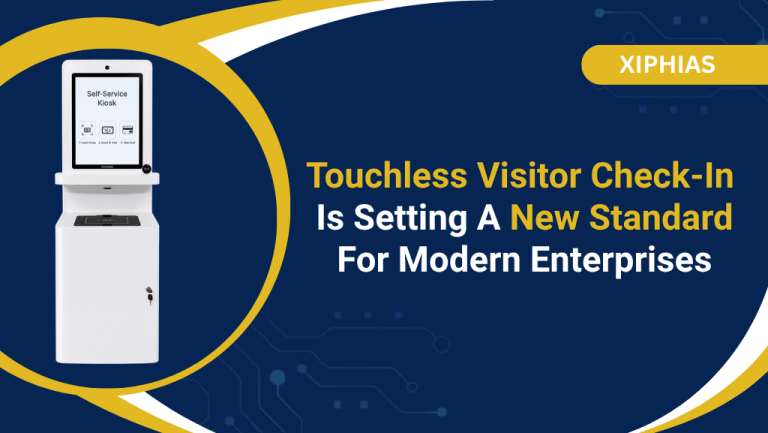
A visitor management kiosk is the physical check in point, usually a screen at the front desk, where a visitor management software runs. It’s what actually captures the ID, photo, and host approval that a vendor management software or visitor and vendor management kiosk setup then logs and screens against.
Is AI powered visitor screening only for high security industries?
No, while regulated industries adopted it first, any organization with sensitive data, valuable equipment, or a duty to track who enters the building benefits from moving beyond manual sign in sheets.
Does AI visitor screening slow down the check in process?
Not when a business sets it up well. Identity verification and watchlist checks typically complete in seconds, often faster than a front desk staff member manually reviewing an ID and writing down details.
What is the difference between visitor management software and visitor screening?
Visitor management software digitizes the sign in process. Visitor screening adds identity verification, watchlist matching, and host approval on top of that, which is the security layer basic sign in tools often skip.
Where XIPHIAS Fits Into This
Vendors approach visitor screening differently, some bolt basic ID capture onto an existing sign in app, others build screening into the core of the system. XIPHIAS falls into the second category, with identity verification, host approval, and automated logging built into its visitor and vendor management touch screen kiosk as part of its AMBIC technology stack, and backed by ISO 9001:2015 and ISO 27001:2013 certification across a service network around global.
If you are evaluating whether your current visitor process needs this layer of screening, XIPHIAS Visitor and Vendor Management solutions are worth a look alongside other options in the space.