Healthcare Kiosk Software: A Complete Guide for Hospitals and Clinics
Healthcare kiosk software is a secure application that runs on self-service kiosks, letting patients check in, register, pay bills, update records and even screen vitals without waiting at a front desk. It connects to your EHR or hospital management system, reduces wait times and administrative workload, and must meet privacy standards such as HIPAA.
Waiting rooms are crowded, front desks are overworked and patients are tired of filling out the same forms again and again. A self-service kiosk in healthcare solves this problem by moving routine tasks to a simple touchscreen. This guide explains the essentials so you can decide whether a hospital kiosk system fits your organisation.
Why Do Hospitals and Clinics Need Healthcare Kiosk Software?
Patient expectations have changed. People book flights, order food and pay bills on their phones, and they expect the same convenience at a hospital. Healthcare kiosk software meets that expectation while helping providers cut costs.
Key benefits include:
- Shorter wait times: A patient check-in kiosk can process arrivals in under two minutes, freeing front-desk staff for complex queries.
- Fewer data-entry errors: Patients enter their own details, so there is less manual typing and fewer duplicate records.
- Higher staff productivity: Reception teams spend less time on repetitive registration and more on patient care.
- Faster payments: Self-service billing and co-pay collection at the point of care improve revenue cycles.
- Better patient experience: Multilingual interfaces and queue tokens reduce frustration, which is especially useful in high-volume hospitals in India and other busy markets.
- Improved infection control: Fewer face-to-face interactions at the desk help during outbreaks and flu seasons.
In short, healthcare kiosks improve efficiency, accuracy and satisfaction at the same time.
What Is Healthcare Kiosk Software?
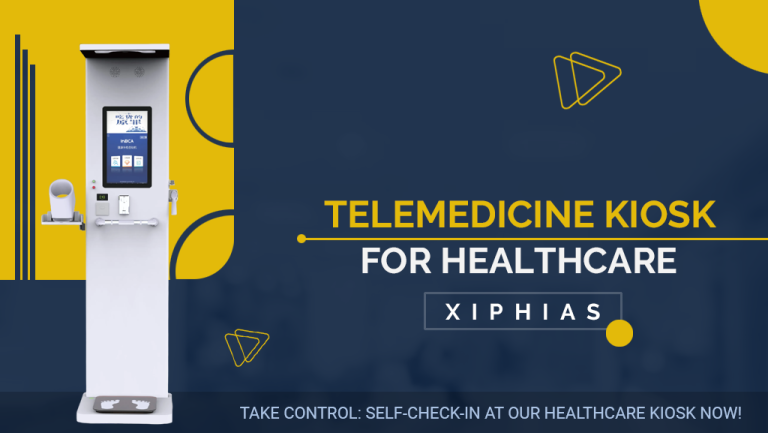
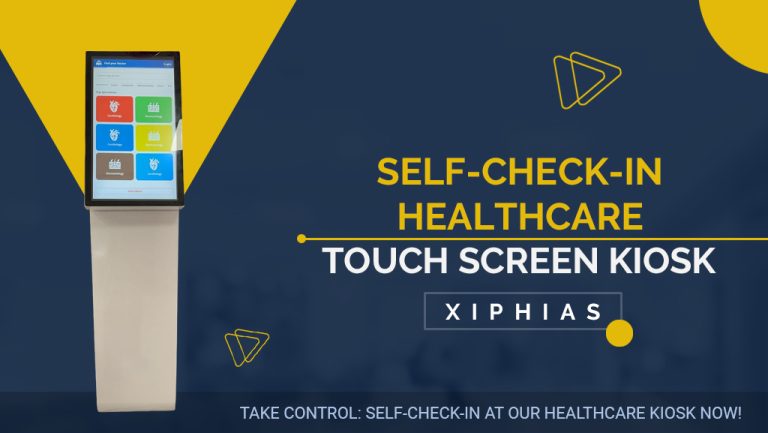
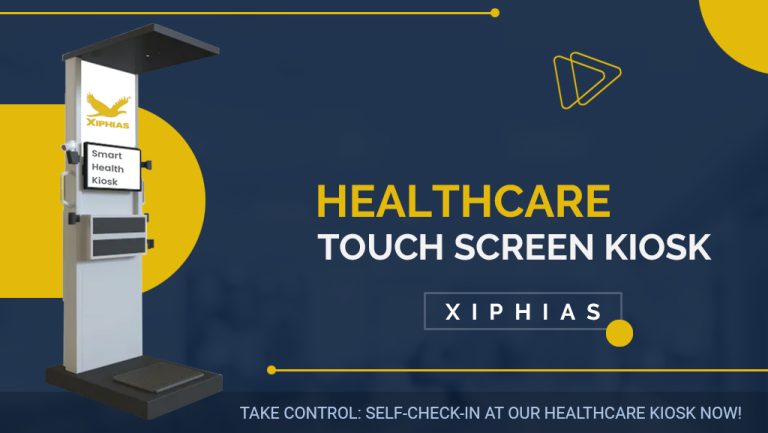
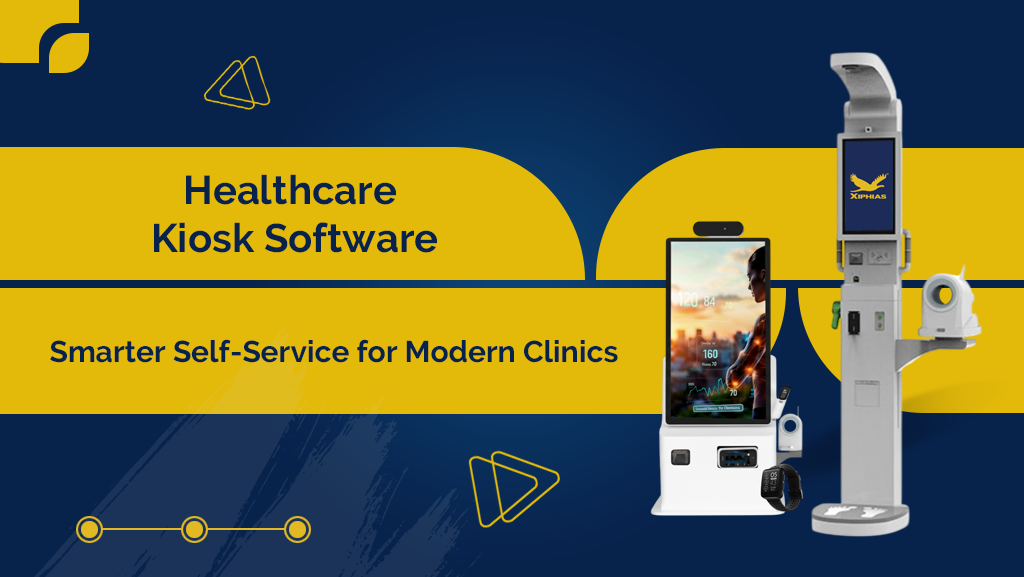
Healthcare kiosk software is the program that powers a medical self-service kiosk. While the hardware is the touchscreen, printer and card reader, the software is the brain: it displays the patient interface, collects and validates data, talks to backend systems and keeps the device secure.
Core components:
- Patient-facing interface: A simple, accessible screen with large buttons, multiple languages and ADA-friendly design.
- Kiosk-mode lockdown: Prevents users from leaving the app or accessing the operating system.
- Integration layer: Connects to your EHR, EMR, HIS or practice management system through APIs and standards such as HL7 and FHIR.
- Identity verification: Supports ID scan, QR codes, barcode, biometrics or insurance card capture.
- Payment module: Handles co-pays and bills through secure, PCI-compliant gateways.
- Remote management dashboard: Lets IT teams monitor uptime, push updates and view analytics from one place.
Common use cases:
- Patient check-in and appointment confirmation
- Digital patient registration and consent forms
- Insurance verification
- Queue and token management
- Vitals screening (weight, blood pressure, temperature)
- Telehealth kiosk consultations
- Pharmacy and lab report collection
- Wayfinding inside large hospitals
How Does Healthcare Kiosk Software Work?
The workflow is simple for the patient and powerful behind the scenes.
- Patient identification: The patient scans a QR code, enters a phone number or inserts an ID or insurance card.
- Appointment lookup: The software queries the scheduling system through an API and confirms the visit.
- Data review and update: The patient checks demographics, medical history and insurance details, and signs consent forms digitally.
- Payment: Co-pays or outstanding balances are collected on the spot.
- Queue assignment: A token or confirmation is printed or sent by SMS, and the clinical team is notified that the patient has arrived.
- Record sync: Updated information flows back into the EHR in real time, with no duplicate entry.
Security runs through every step. Strong healthcare kiosk software uses encryption in transit and at rest, automatic session timeouts, role-based access, audit logs and screen privacy features so that no patient data remains on the device after use.
Compliance essentials:
- HIPAA (United States) for protected health information
- GDPR (Europe) for personal data protection
- India’s Digital Personal Data Protection Act and ABDM guidelines for Indian providers
- ADA and WCAG for accessibility
- PCI DSS for card payments
Which Features and Solution Should You Choose?
Not every kiosk platform suits every provider. Use this checklist when comparing vendors.
Must-have features:
- Proven EHR/EMR integration and open APIs
- HIPAA-compliant security and detailed audit trails
- Customisable workflows and branding
- Multilingual and accessible design
- Remote monitoring and over-the-air updates
- Offline mode for network interruptions
- Hardware flexibility (works with different kiosk makers)
- Analytics on wait times, usage and drop-offs
Questions to ask every vendor:
- Which EHR and HIS systems do you already integrate with?
- Who owns the patient data, and where is it stored?
- What are the licence, hardware, installation and support costs?
- How quickly can you respond to downtime?
- Can you share case studies from similar clinics or hospitals?
Build vs. buy: Building a custom kiosk app gives full control but needs developers, security expertise and long-term maintenance. Buying a ready-made platform is faster and cheaper for most small and mid-sized providers. Large hospital networks with unique workflows sometimes choose a hybrid model, customising a vendor platform.
Cost overview: Pricing varies widely by region and scope. Expect a combination of hardware, a per-kiosk software licence (often monthly or annual), integration fees and support. Always calculate return on investment by comparing savings in staff time, reduced errors and faster collections against total cost of ownership.
Where Are Healthcare Kiosks Being Used Today?
Adoption is growing across the care ecosystem:
- Hospitals: Registration halls, outpatient departments and emergency triage
- Clinics and polyclinics: Appointment check-in and billing
- Diagnostic labs: Token generation, test booking and report download
- Pharmacies: Prescription pick-up and refill requests
- Dental and specialty practices: Digital intake forms and consent
- Corporate and community health centres: Health screening stations
- Rural and remote areas: Telehealth kiosks that connect patients with distant doctors
Looking ahead, expect more AI-powered symptom checkers, voice assistance, contactless interaction, and integration with mobile apps and wearable data.
Frequently Asked Questions
Is healthcare kiosk software HIPAA compliant?
Reputable solutions are built to HIPAA standards with encryption, access controls and audit logs. Always verify compliance and request documentation from your vendor.
Can kiosk software integrate with my existing EHR?
Most modern platforms integrate through APIs, HL7 or FHIR. Confirm compatibility with your specific system before purchase.
Do patients actually use self-service kiosks?
Yes. Adoption is high when the interface is simple, multilingual and staff guide first-time users.
Are health kiosks suitable for small clinics?
Yes. Cloud-based, subscription kiosk software makes the technology affordable for small practices.
Final Thoughts
Healthcare kiosk software is no longer a luxury. It is a practical tool for reducing queues, protecting data and giving patients a smoother experience. Start with one high-impact use case such as patient check-in, choose a secure and integration-ready platform, and measure results before expanding.
Ready to explore options? Compare vendors, request a demo and ask for a pilot at a single location before a full rollout.