Food Ordering Software for Restaurants, QSRs and Food Courts: Features, Benefits and Buying Guide
Food ordering software is a digital platform that lets customers place orders through kiosks, QR menus, mobile apps or websites, and sends those orders straight to the kitchen and billing system. A good solution combines an interactive digital menu, kiosk ordering software, restaurant POS integration, a kitchen order management system and real-time reporting, so restaurants serve faster, make fewer mistakes and increase average order value.
Table of Contents
- What is food ordering software?
- Why restaurants are moving to automated food ordering
- Core components of a digital food ordering system
- Self-ordering kiosks: how they work
- Key features to look for
- Benefits for QSRs, restaurants and food courts
- Food ordering software vs. traditional POS
- How to choose a food ordering software development company
- Implementation roadmap
- Cost factors in India
- Trends shaping restaurant digital transformation
- FAQs
1. What Is Food Ordering Software?
Food ordering software is a restaurant technology platform that digitizes the entire order journey: browsing the menu, customizing items, paying, sending the order to the kitchen, and tracking fulfilment.
It can be deployed across several channels:
- Self-ordering kiosks placed inside the restaurant
- QR code table ordering on the customer’s phone
- Mobile apps and websites for pickup and delivery
- Waiter handheld devices for dine-in service
- Food court counters with a unified token or display system
Behind all of these sits one backend: a restaurant order management software that routes orders, updates inventory, applies taxes and generates reports.
2. Why Restaurants Are Moving to Automated Food Ordering
The restaurant industry in India is under pressure from rising labor costs, high customer expectations and thin margins. An automated food ordering system addresses these directly:
- Shorter queues. Customers order on their own screens instead of waiting at the counter.
- Fewer order errors. Orders go from the customer to the kitchen with no manual re-entry.
- Higher average order value. Kiosks and digital menus consistently prompt add-ons, combos and upgrades, which a rushed cashier may skip.
- Better staff utilization. Team members move from order-taking to food preparation and customer service.
- Data-driven decisions. Every order feeds sales, item-level and peak-hour analytics.
This shift is the core of restaurant digital transformation: replacing disconnected manual steps with one connected workflow.
3. Core Components of a Digital Food Ordering System
A complete digital food ordering system usually includes the following modules.
Interactive Digital Menu
An interactive digital menu shows high-quality photos, descriptions, allergen and dietary tags (veg, non-veg, Jain, vegan), customization options and live availability. Menus can change instantly across all outlets without reprinting.
Menu Management Software
Menu management software lets you update prices, items, modifiers, combos and time-based menus (breakfast, lunch, happy hour) from one dashboard and push changes to every kiosk, app and POS terminal.
Kitchen Order Management System
A kitchen order management system (often paired with a kitchen display system, or KDS) replaces paper tickets with screens that show orders by priority, preparation station and timer. It reduces missed orders and keeps the line moving during rush hours.
QSR Billing and POS
QSR billing software and QSR POS software handle fast, high-volume transactions: GST-compliant invoices, split payments, UPI, cards, wallets, discounts, coupons and day-end reconciliation.
Integrations
Strong restaurant POS integration connects ordering channels with payment gateways, inventory, CRM and loyalty tools, and with aggregator platforms where required.
4. Self-Ordering Kiosks: How They Work
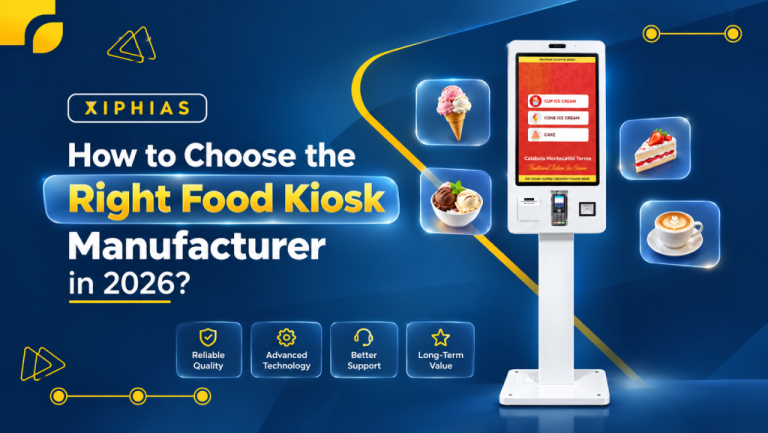
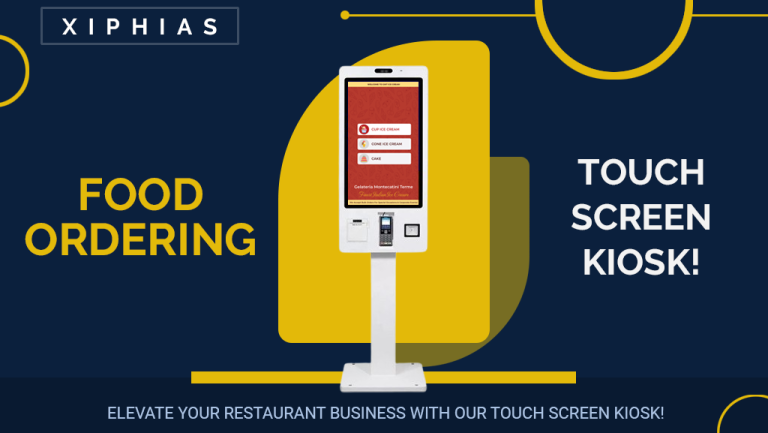
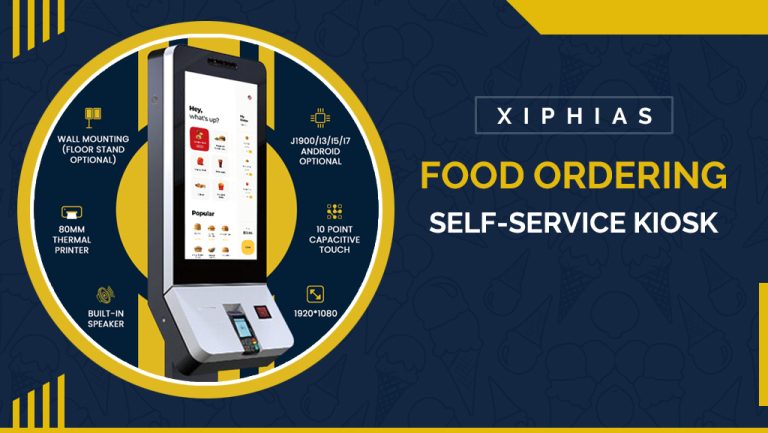
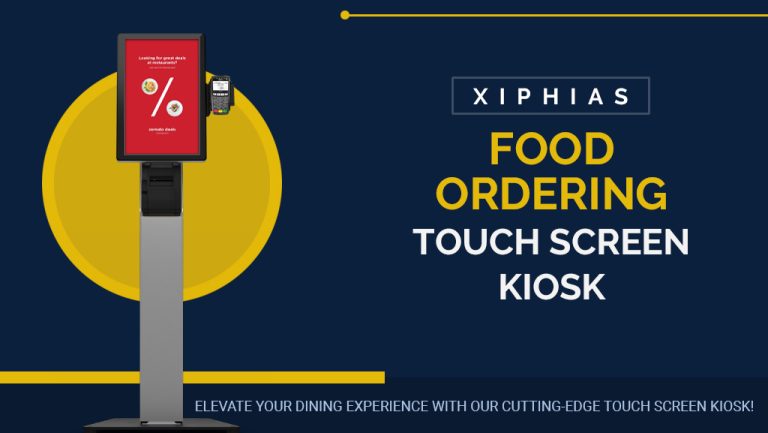
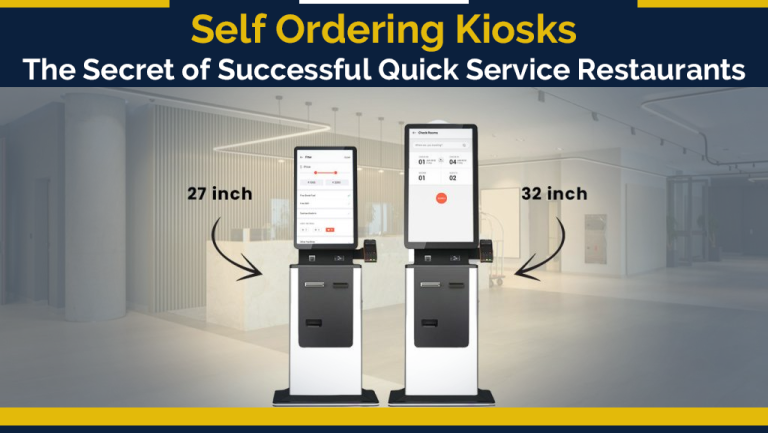
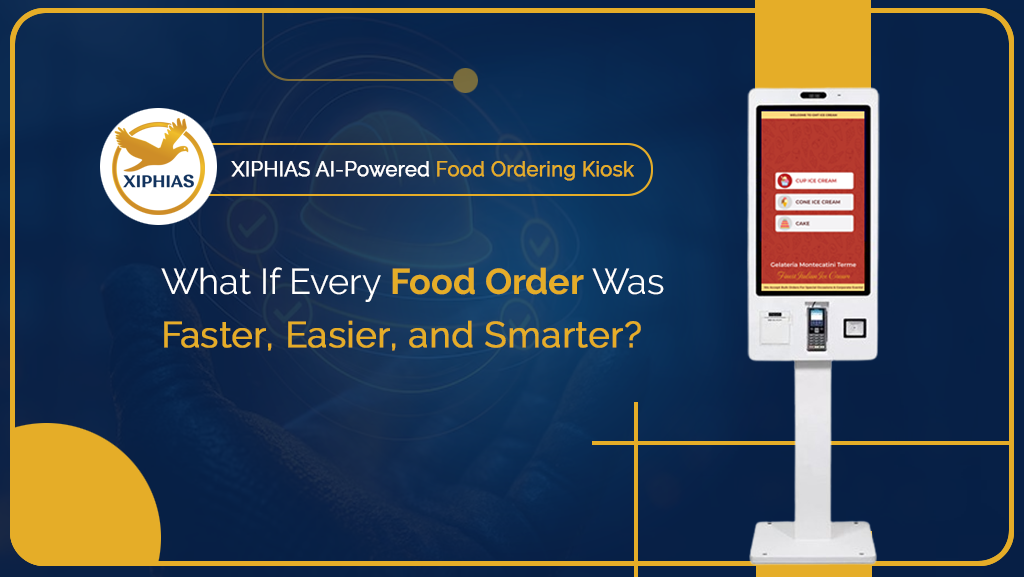
A food ordering kiosk is a touchscreen terminal where customers browse the menu, customize their meal, pay and receive an order token, without waiting for a cashier.
Typical flow:
- Customer browses the interactive digital menu on the kiosk.
- Selects items, modifiers and combos; the system suggests upsells.
- Pays by UPI, card or other supported method.
- The order is sent instantly to the kitchen order management system.
- A token number appears on the customer display; the customer collects the order when called.
Kiosk Integration
Proper kiosk integration is what makes a kiosk useful. The kiosk must sync in real time with the POS, kitchen display, inventory and menu system. A standalone kiosk that does not connect to the backend creates more work, not less.
Kiosk Software vs. Hardware
Restaurant kiosk software is the application layer. It runs on floor-standing, countertop or wall-mounted hardware. Choosing software that is hardware-flexible avoids vendor lock-in.
Self Ordering Kiosk India: What to Consider
For a self ordering kiosk India deployment, look for:
- UPI and local payment support
- GST-compliant billing
- Multi-language menus (English plus regional languages)
- Offline mode for unstable connectivity
- Support for local dietary tags such as veg/non-veg and Jain options
- Local service and support teams
5. Key Features to Look For
| Feature | Why it matters |
|---|---|
| Omnichannel ordering (kiosk, QR, app, web) | One menu and one backend across every channel |
| Real-time menu updates | Mark items out of stock instantly across outlets |
| Upsell and cross-sell engine | Raises average order value |
| Kitchen display and routing | Sends items to the right station and cuts prep delays |
| Multi-outlet management | Central control for chains and franchises |
| Inventory sync | Auto-deducts stock and flags low items |
| Payment flexibility | UPI, cards, wallets, split bills |
| Analytics dashboard | Best-sellers, peak hours, outlet comparisons |
| Loyalty and offers | Repeat visits and personalized promotions |
| Role-based access | Controls for managers, cashiers and kitchen staff |
| Scalability | Handles growth from one outlet to hundreds |
6. Benefits for QSRs, Restaurants and Food Courts
Quick Service Restaurants
Quick service restaurant software and fast food restaurant software are built for speed. Self ordering plus a connected kitchen means higher throughput at peak times without adding counters or staff.
Full-Service Restaurants
Restaurant operations software combines table ordering, billing and kitchen coordination, so servers spend more time with guests.
Food Courts
A food court ordering system lets customers order from multiple vendors in one transaction or through unified kiosks, while each vendor receives only its own orders and settlements. It removes the need for customers to queue at several counters.
Cloud Kitchens and Multi-Brand Operators
Restaurant order management software consolidates orders from several channels into one screen, avoiding missed orders and double entry.
7. Food Ordering Software vs. Traditional POS
| Feature | Traditional POS | Food Ordering Software Platform |
|---|---|---|
| Order entry | Staff enters orders | Customers order themselves or staff use handhelds |
| Channels | Mostly counter | Kiosk, QR, app, web, aggregator |
| Kitchen link | Printed tickets | Digital kitchen display, auto-routing |
| Upselling | Depends on staff | Built-in, automated prompts |
| Analytics | Basic sales reports | Item-level, channel-level and time-based insights |
| Scalability | Limited | Multi-outlet, cloud-based |
Modern restaurant software solutions typically combine both: the POS handles billing and compliance, while the ordering platform handles customer experience and workflow.
8. How to Choose a Food Ordering Software Development Company
Choosing the right food ordering software development company matters as much as choosing the software itself. Evaluate partners on:
- Domain experience. Have they built QSR restaurant software, kiosk systems and kitchen workflows before?
- Customization. Can they adapt the platform to your menu structure, tax rules and brand?
- Integration capability. Do they support restaurant POS integration, payment gateways, ERP and delivery platforms?
- Hardware flexibility. Do they support multiple kiosk and terminal vendors?
- Scalability and architecture. Is it cloud-based, secure and ready for multi-outlet growth?
- Support and SLAs. Is there local implementation, training and 24×7 support?
- Security and compliance. PCI-aligned payments, data protection practices and GST compliance.
- Proven references. Ask for case studies, demos and a pilot outlet.
Questions to ask before signing:
- How long does a typical rollout take?
- Who owns the source code and data?
- How are updates and new features handled?
- What happens during internet downtime?
9. Implementation Roadmap
- Discovery. Map current workflows, pain points and goals.
- Menu setup. Structure categories, modifiers, combos and pricing in the menu management software.
- Integration planning. Connect POS, payments, kitchen display and inventory.
- Pilot launch. Test at one outlet with a small number of kiosks.
- Staff training. Train cashiers, floor staff and kitchen teams.
- Measure and optimize. Track wait time, order accuracy and average order value.
- Scale. Roll out to more outlets using the same templates.
This phased approach is the practical path to restaurant workflow automation without disrupting daily service.
10. Cost Factors in India
Pricing varies widely, so ask vendors for a written breakdown. The main drivers are:
- Software model: subscription (per outlet or per kiosk) vs. custom development
- Customization depth: branding, special workflows, integrations
- Hardware: kiosks, printers, kitchen display screens, customer displays
- Number of outlets and terminals
- Integrations: payments, aggregators, ERP, loyalty
- Support and maintenance: SLAs, upgrades, training
Compare total cost of ownership over several years, not only the upfront price. The return usually comes from reduced labor pressure, fewer errors and higher order value.
11. Trends Shaping Restaurant Digital Transformation
- Contactless and QR ordering are now expected, not optional.
- AI-driven upselling and personalization recommend items based on order history and time of day.
- Unified commerce ties dine-in, takeaway and delivery into one data set.
- Cloud-based multi-outlet control simplifies franchise management.
- Voice and multilingual interfaces improve accessibility across regions.
- End-to-end automation with restaurant automation software now reaches from the customer’s screen to the kitchen pass and inventory.
A well-planned restaurant automation system is increasingly the baseline for competitive QSR chains.
12. Frequently Asked Questions
What is food ordering software?
Food ordering software is a platform that lets customers order food through kiosks, QR codes, apps or websites and sends the order directly to the kitchen and billing system, reducing errors and wait times.
What is a self-ordering kiosk?
A self ordering kiosk is a touchscreen terminal where customers browse the menu, customize items, pay and receive an order number without queuing at a counter.
How does a kitchen order management system work?
It receives orders digitally, displays them on kitchen screens by priority and station, tracks preparation time and updates the order status when items are ready.
What is the difference between QSR POS software and food ordering software?
QSR POS software focuses on billing, payments, taxes and reporting. Food ordering software focuses on how customers place orders across channels. Most modern platforms integrate both.
Is a self ordering kiosk worth it for Indian restaurants?
For high-traffic outlets such as QSRs, cafes and food courts, kiosks can reduce queues and increase average order value. The benefit depends on footfall, menu complexity and proper integration with the kitchen and POS.
Can food ordering software integrate with my existing POS?
Yes, in most cases. Look for vendors that offer proven restaurant POS integration through APIs, and confirm compatibility with your current system before purchase.
What features should restaurant management software in India include?
GST-compliant billing, UPI payments, multi-outlet control, inventory management, kitchen display, analytics, offline mode and regional language support.
How long does it take to implement a digital food ordering system?
A single-outlet pilot can often go live in a few weeks, depending on customization, hardware availability and integrations. Chain-wide rollouts take longer and are best done in phases.
Do food ordering systems work without internet?
Many platforms offer an offline mode that keeps taking orders and syncs data when connectivity returns. Confirm this with your vendor.
How do I choose a food ordering software development company?
Check domain experience, integration skills, scalability, support quality, security practices and reference customers, and run a pilot before a full rollout.
Conclusion
Food ordering software has moved from a nice-to-have to core restaurant infrastructure. By combining an interactive digital menu, self ordering software, kitchen order management and restaurant POS integration, restaurants, QSRs and food courts can serve faster, reduce errors and grow revenue while keeping teams focused on hospitality and food quality.
The best results come from choosing a partner that understands restaurant operations, integrates cleanly with your existing systems and supports you from pilot to scale.
Ready to modernize your restaurant operations? Talk to our team about a demo of our restaurant software solution, built for QSRs, food courts and multi-outlet brands.