Visitor Management Software: The Complete Guide for 2027
Visitor management software is a digital system that registers, screens, tracks and records everyone who enters your premises, replacing paper logbooks with automated check-ins, badges, host alerts and a searchable visitor history. It improves workplace security, speeds up reception and helps organizations meet safety and compliance requirements.
In 2027, choosing the right visitor management system means looking beyond a simple sign-in screen. Modern platforms combine self check-in kiosks, cloud dashboards, ID and facial verification and integrations with access control. This guide explains how the software works, which features matter, how to compare options and how to roll it out.
Key takeaways
- Visitor management software replaces paper sign-in sheets with a secure, auditable digital record.
- The most useful features are pre-registration, self check-in, host notifications, badge printing and reporting.
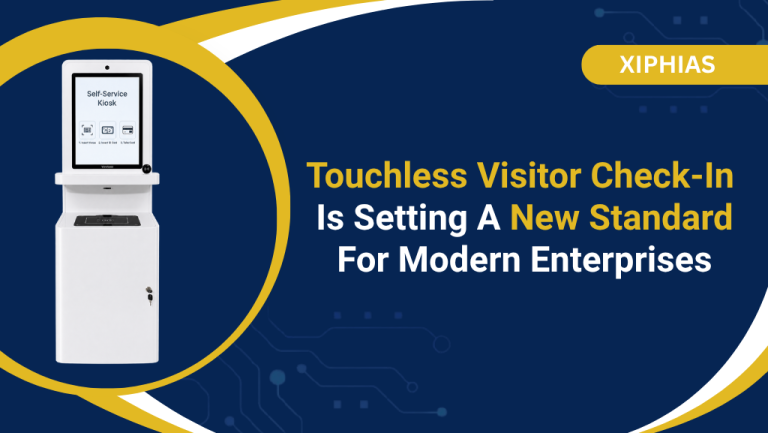
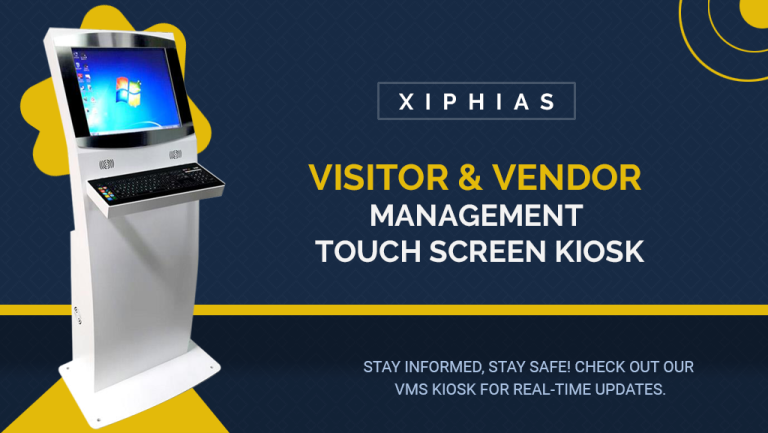
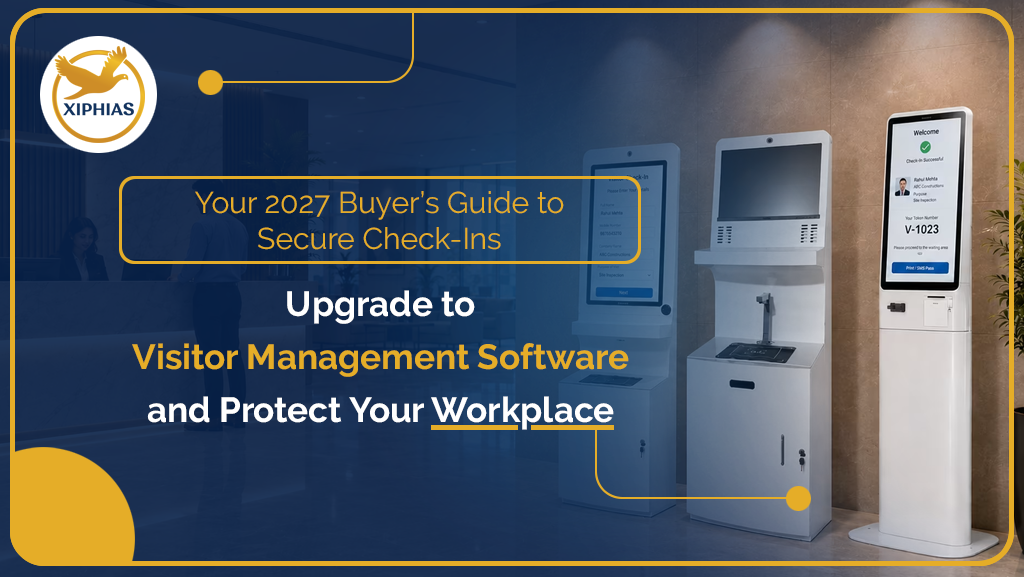
- A visitor management kiosk speeds up check-in and reduces front-desk workload.
- Cloud-based systems scale across multiple sites more easily than on-premise setups.
- Match the system to your industry, visitor volume and security level before comparing prices.
How visitor management software works
Visitor management software, also called a visitor management system (VMS), handles the full visitor journey from invitation to exit. It captures who arrived, who they came to see, when they entered and when they left.
A typical visit follows five steps:
- Pre-registration: The host invites the guest by email or text. The guest receives a QR code or digital pass.
- Check-in: The visitor scans the code or signs in at a tablet or kiosk. They add details and sign any required NDA or safety form.
- Verification: The system screens the visitor against a watchlist, verifies ID or captures a photo.
- Notification and badge: The host is alerted instantly. A badge is printed or sent to the visitor’s phone.
- Check-out and records: The visit is closed out. The log stays searchable for audits, emergencies and reporting.
The same flow works for guests, contractors, vendors, interview candidates and delivery staff. That is why many organizations use a single platform for all of them.
Visitor management software vs. paper logbooks
Paper logbooks cannot verify identity, protect visitor data or give you a reliable record in an emergency. Anyone can read earlier entries, handwriting is often illegible and no one is alerted when a guest arrives.
| Feature | Paper logbook | Visitor management software |
|---|---|---|
| Identity verification | None | ID scan, photo capture, watchlist screening |
| Data privacy | Names visible to every visitor | Access limited to authorized staff |
| Host notification | Manual call or walk-over | Instant email, SMS, or chat alert |
| Emergency roll call | Unreliable | Live list of who is on site |
| Reporting and audits | Manual searching | Searchable logs and exports |
| First impression | Slow and informal | Quick, branded, professional |
Organizations with regulated or sensitive spaces, such as data centers, labs, factories and hospitals, also use visitor tracking to prove who entered which areas and when.
Key Features to Look for in Visitor Management Software
The best software covers the full visit lifecycle and fits how your teams already work. Use this list when you compare vendors.
Before and during arrival
- Pre-registration: Hosts invite guests ahead of time, so arrival takes seconds.
- Self check-in: Visitors register on a kiosk, tablet or their own phone without waiting for reception.
- Instant host notifications: Email, SMS or workplace chat alerts when a guest arrives.
At the door
- Badge printing and digital passes: Photo badges with name, host, date and expiry time.
- ID verification and screening: Document scanning, photo capture and watchlist checks.
- Digital forms and e-signatures: NDAs, safety inductions and health declarations signed on arrival.
- Access control integration: Visitor passes that connect to doors, turnstiles and lifts.
Behind the scenes
- Dashboard and reporting: Live headcount, visit history and exportable reports.
- Multi-location management: One cloud dashboard for every office, plant or campus.
- Data security and compliance: Encryption, role-based access and configurable data retention.
- Emergency features: A live on-site list for evacuations and safety drills.
- Integrations: Calendars, email, workplace chat, HR and security systems.
Types of visitor management systems
Systems differ by how visitors check in, where data is hosted and how identity is verified. Most organizations combine two or three types.
| Type | How it works | Best suited for |
|---|---|---|
| Visitor management kiosk | Self-service touch screen for check-in, ID capture, and badge printing | Busy lobbies, factories, corporate campuses |
| Cloud-based system | Hosted online and managed from any browser | Multi-site businesses and growing teams |
| Touchless check-in | QR code check-in on the visitor’s own phone | Hygiene-sensitive spaces such as hospitals and labs |
| Biometric or facial recognition | Verifies identity by face or other biometrics | High-security sites and restricted zones |
| AI-assisted software | Automates screening, host matching, and anomaly alerts | Large enterprises with high visitor volume |
| Visitor and vendor management | Tracks contractors, vendors, and deliveries with safety inductions | Plants, warehouses, construction sites, campuses |
A kiosk is often the first upgrade for sites with steady footfall. It removes the reception queue and keeps check-in consistent. Cloud platforms are now the default choice, because the vendor handles updates, backups and multi-site reporting.
Visitor Registration Software Benefits by industry
Every organization gains from visitor management, but the main benefit changes with the environment.
| Industry | Main benefit |
|---|---|
| Corporate offices | Faster check-in, better first impressions, secure floors |
| Manufacturing and warehouses | Contractor and vendor tracking, with safety induction before site entry |
| Healthcare | Controlled visiting access, touchless check-in, patient privacy |
| Schools and universities | Verified guest access and clear records for campus safety |
| IT parks and data centers | Strict screening, restricted-zone control, audit trails |
| Coworking and shared offices | Per-tenant host alerts and simple guest management |
| Residential and commercial buildings | Controlled entry for guests, delivery staff, and service providers |
Across all of them, the shared gains are stronger security, less front-desk workload, a better visitor experience and records you can rely on during audits or incidents.
How to choose: a step-by-step checklist
The best system fits your visitor volume, security needs and existing tools. It is not the one with the longest feature list. Work through these steps in order:
- Map your visitors. Count guests, contractors, vendors and deliveries per day and note peak hours.
- Define your security level. Decide whether you need ID scanning, watchlist screening or facial recognition.
- Choose the check-in model. Pick a receptionist tablet, a self check-in kiosk, QR-based touchless entry or a mix.
- Check integrations. Confirm it works with your calendar, email, workplace chat and access control.
- Review data protection. Ask about encryption, role-based access, retention settings and where data is hosted.
- Test the visitor experience. Run a demo as a first-time guest and time the check-in.
- Confirm scalability. Make sure it can add locations, users and kiosks without a rebuild.
- Evaluate support and onboarding. Look for local support, training and clear service levels.
- Compare total cost. Include licenses, hardware, setup and support, not only the monthly fee.
Questions to ask every vendor
- Can visitors check in without creating an account?
- Does the system work if the internet connection drops?
- Can we customize forms, badges and branding?
- How long is visitor data stored and can we change it?
- Is the platform available with local deployment and support in our region?
Pricing and cost factors
Pricing depends mainly on the number of locations, visitors and hardware you need. Most vendors quote a custom price rather than a fixed one, so ask for a written quote that separates each cost below.
| Cost factor | What to confirm |
|---|---|
| Pricing model | Subscription per location, per user, or per visitor volume, or a one-time license |
| Hardware | Kiosk, tablet, badge printer, and stands, bought or rented |
| Setup and onboarding | Configuration, branding, and training fees |
| Integrations | Charges for access control, HR, or calendar connections |
| Support | Included hours, response times, and any premium tier |
| Add-ons | Biometrics, advanced screening, or extra locations |
Cloud systems usually have a lower upfront cost and predictable renewals. On-premise setups shift cost to servers and maintenance. Compare total cost over three years, not the first-year price alone.
Implementation: a 7-step rollout plan
A rollout takes weeks, not months, when you plan the visitor journey first and test before going live.
- Set goals. Define success, such as shorter check-in time or full contractor tracking.
- Design the visitor flow. List the questions, forms and approvals for each visitor type.
- Install hardware. Place kiosks and badge printers where visitors naturally arrive.
- Configure and integrate. Set up branding, host notifications and access control links.
- Pilot at one site. Test with real visitors and collect staff feedback.
- Train reception, security and hosts. Keep guidance short and practical.
- Launch and review. Track check-in time, no-shows and incidents, then adjust.
Trends to watch in 2027
- AI-assisted screening and host matching that reduces manual checks.
- Touchless, mobile-first check-in using QR codes and digital passes.
- Facial recognition and biometrics for higher-security sites, with stronger privacy controls.
- Deeper access control integration, so visitor passes work at doors and turnstiles automatically.
- Unified visitor and vendor management across campuses and plants.
- Stricter data privacy expectations, including clear consent and shorter retention periods.
Frequently asked questions
What is visitor management software?
It is a digital system that registers, screens, tracks and records visitors from arrival to exit. It replaces paper logbooks with secure, searchable records and instant host alerts.
What is the difference between a visitor management system and a kiosk?
The system is the software platform that manages visits, data and reports. A kiosk is the self-service hardware where visitors check in and collect a badge. Many organizations use both together.
Is cloud-based visitor management software secure?
Yes, when the vendor uses encryption, role-based access and clear data retention controls. Ask any vendor about hosting location and security practices.
Can it integrate with access control?
Most enterprise platforms can. The visitor pass links to doors, turnstiles or lifts, so entry is limited by time and area.
Do small businesses need it?
It helps any business that wants verified guest records, host alerts and a professional first impression. Smaller teams can start with a simple tablet check-in and add features later.
How long does implementation take?
A single-site setup can often go live within days to a few weeks, depending on hardware, integrations and training. Multi-site rollouts take longer.
Conclusion
Visitor management software gives you a secure, auditable and professional way to welcome everyone who enters your building.
Start by mapping your visitors and security needs. Shortlist platforms with the features that matter and pilot one site before scaling. If you plan to add a self check-in kiosk, choose a system that supports both the software and the hardware you need.