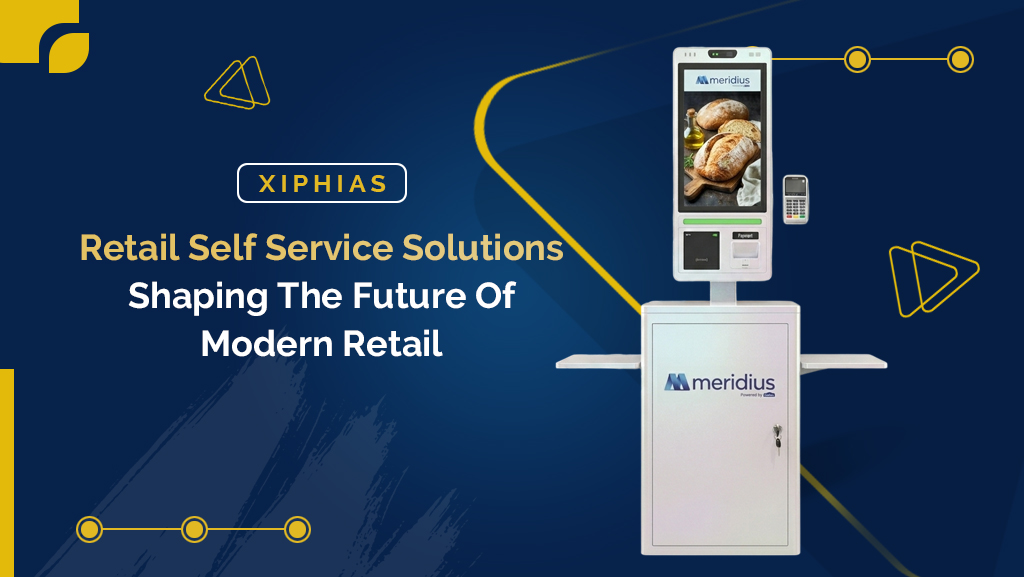
Retail Self Service Solutions: A Complete Guide for Modern Retail Businesses in 2026
Retail businesses are adopting retail self service solutions to make shopping faster and easier to manage. A retail self-service kiosk is one of the most common forms of these solutions. It lets customers browse products, place orders, make payments and complete other everyday tasks without waiting on staff.
As a result, queue times drop. Staff also get more time to focus on higher-value work.
What Are Retail Self Service Solutions?
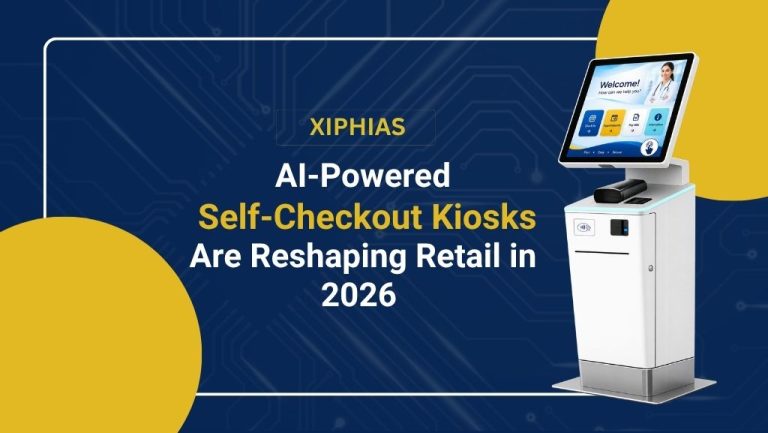
Retail self service solutions combine three things into one unit: a touchscreen interface, point-of-sale software and a payment terminal. Customers operate this unit independently, with no staff login required.
Depending on the store’s needs, these solutions support several tasks. For example, they handle product browsing, self-checkout, ordering, customer feedback and loyalty program access, all from a single interface.
How Retailers Use Self Service Kiosks on the Sales Floor
A retail kiosk typically sits near the entrance, checkout zone or a high-traffic aisle. There, it acts as a self-service point for browsing and transactions.
A touchscreen kiosk lets shoppers search for products and check real-time prices. It also lets them view current offers, place orders or look up store services. Without a kiosk, these tasks would need a staff member.
In grocery and quick-service retail, this usually means an order kiosk near the front of the store. In big-box or department stores, it’s more often a product-lookup station placed in aisles where staff coverage is thin.
Types of Retail Self Service Solutions Businesses Can Deploy
Retailers choose configurations based on store layout, footfall and the specific job the solution needs to do. Common types include:
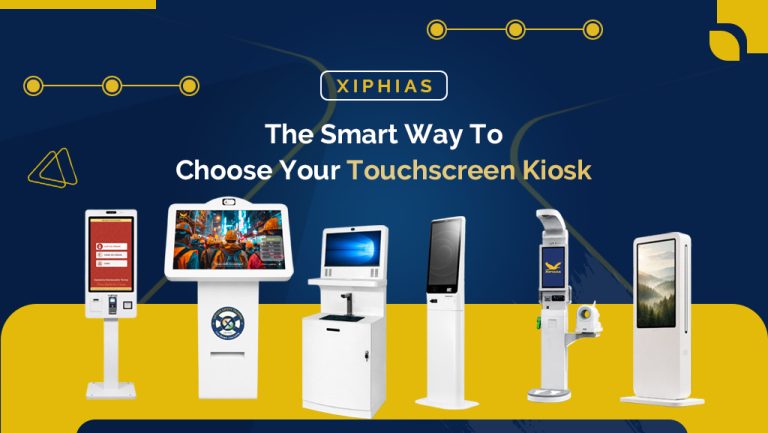
- Custom retail kiosks: built around specific screen sizes, operating systems, branding and peripherals like barcode scanners, receipt printers or card readers
- Self-checkout kiosks: designed for scanning and paying with minimal staff involvement
- Order kiosks: used in food service and quick-commerce settings to place and pay for orders
- Information kiosks: focused on product lookup, store navigation and price checks rather than transactions
- Outdoor retail kiosks: built for drive-through lanes, parking areas or curbside pickup points
Why Retail Self Service Solutions Improve Store Operations
Self service kiosks reduce wait times. They also put more control in the customer’s hands for routine tasks. Common applications include:
- Product search and price checks
- Self-checkout
- Order placement
- Digital and contactless payments
- Customer feedback collection
- Loyalty program enrollment and redemption
- In-store navigation
Stores with high customer traffic see the biggest gains. Supermarkets, transit-hub retail and quick-service chains are good examples. In these settings, self service solutions absorb repetitive, low-complexity transactions. This prevents checkout bottlenecks.
Can Retail Self Service Kiosks Be Used Outdoors?
Yes. Retailers use outdoor retail kiosks in several outdoor settings. These include drive-throughs, curbside pickup zones, parking structures and standalone kiosks in outdoor shopping areas.
However, outdoor units face different conditions than indoor ones. They operate without climate control or the physical security of a store. Because of this, they need weatherproof enclosures, sunlight-readable displays, vandal-resistant materials and reliable connectivity.
Key Considerations for Choosing a Retail Kiosk Supplier
Not every retail kiosk supplier builds to the same standard. Evaluate suppliers based on:
- Hardware quality: build materials, display durability and expected lifespan
- Software compatibility: integration with your existing POS and inventory systems
- Customization options: screen size, branding and peripheral support
- Payment integration: support for card, contactless and mobile wallet payments
- Security: PCI compliance and data protection for payment transactions
- Maintenance and support: response times for repairs and software updates
Supplier choice matters most when you plan to scale. For example, a supplier who standardizes one configuration across dozens of locations saves significant time. It also keeps your retail self service solutions consistent at every site, instead of sourcing hardware store by store.
Benefits of Retail Self Service Solutions
- Faster service: customers complete routine tasks without waiting for staff
- Greater convenience: customers move at their own pace
- Better staff efficiency: employees focus on tasks that need direct assistance, like resolving issues or upselling
- Flexible deployment: the same hardware can be reconfigured for checkout, ordering or information lookup as needs change
- Scalable rollout: retailers can pilot a kiosk in one location, then expand the same configuration across a chain with the right retail kiosk supplier
Frequently Asked Questions
What are retail self service solutions?
They are interactive systems, most commonly kiosks, that let customers complete tasks such as product search, ordering, payment or checkout without staff assistance.
Where are retail kiosks typically used?
Supermarkets, shopping centers, specialty stores, department stores and quick-service restaurants are the most common deployment sites.
Can retail kiosks be customized?
Yes. A custom retail kiosk can be configured with different screen sizes, operating systems, payment devices, scanners and printers. This allows it to match a specific use case.
Are retail kiosks suitable for outdoor use?
Yes, as long as they are built with weatherproof enclosures and outdoor-rated hardware. A standard indoor kiosk, however, won’t hold up in an uncontrolled environment.
How much does it cost to deploy retail self service solutions?
Costs vary widely based on screen size, peripherals and customization. A basic information kiosk starts at a few thousand dollars. A fully custom, payment-enabled unit with outdoor-rated hardware costs significantly more.
Final Thoughts
Retail self service solutions are becoming a standard part of the modern store in 2026, not a novelty. From product discovery and ordering to payments and checkout, they take on the repetitive tasks that slow down both customers and staff.
In the end, the right choice comes down to one thing: matching the kiosk type, hardware and retail kiosk supplier to your store’s actual traffic patterns and use case. Don’t just pick the most feature-rich option available.