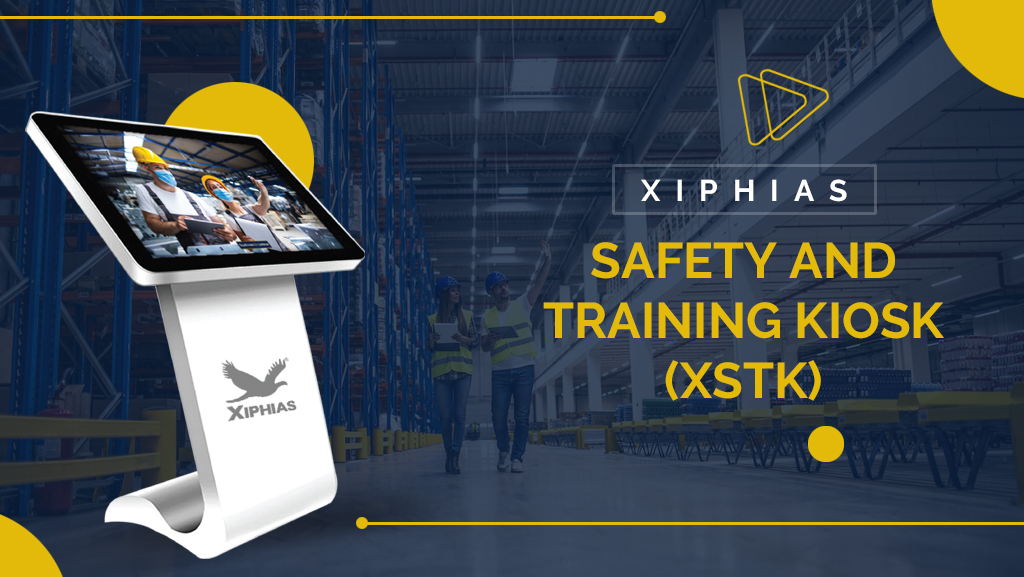
Why Safety Training Kiosks Are a Smart Investment for Workplace Safety
Workplace safety training is essential for protecting employees, preventing incidents and maintaining safe working environments. However, traditional training methods often involve scheduled sessions, manual attendance and paper based records, making it difficult to manage training across multiple shifts and locations.
A Safety Training Kiosk offers a digital approach to employee induction and safety education. By combining interactive learning, assessments and automated record management, businesses can simplify training processes and improve workforce readiness.
With modern workplace safety software, employees, contractors and visitors can access assigned training modules through a self service touchscreen interface.
TL;DR: Why Businesses Invest in Safety Training Kiosks
A safety training kiosk helps businesses digitize workplace induction and employee education.
Key benefits include:
- Simplified employee and contractor induction.
- Consistent safety instructions across multiple locations.
- Interactive video lessons and digital assessments.
- Multilingual training for diverse workforces.
- Automated certification and digital training records.
- Centralized employee progress and compliance tracking.
- Reduced manual training administration.
For manufacturing, construction, logistics and other industrial environments, these capabilities make safety training easier to organize and monitor.
What Is a Safety Training Kiosk?
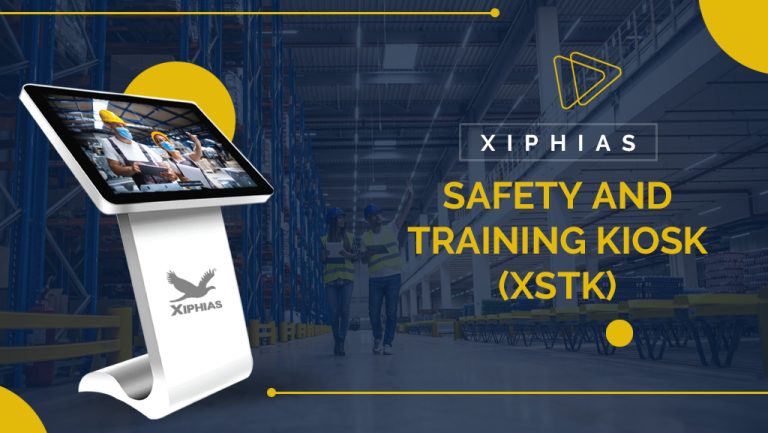
A safety training kiosk is an interactive touchscreen station that delivers workplace safety instructions, induction modules, assessments and training information digitally.
Employees can watch training videos, review safety procedures, complete quizzes and receive certificates after successful assessments.
Integrated workplace safety training software also allows administrators to manage learning materials, monitor employee progress and maintain digital training records through a centralized dashboard.
Why Are Safety Training Kiosks Important for Businesses?
1. Simplifies Employee Induction
Employees, contractors and visitors can complete assigned safety induction modules without depending entirely on scheduled classroom sessions. This makes onboarding more organized and accessible.
2. Standardizes Training Across Locations
Digital training ensures employees receive consistent safety instructions and approved learning materials across different facilities, departments and shifts.
3. Reduces Training Time
Self service access allows employees to complete assigned modules according to their availability. This reduces scheduling difficulties and administrative coordination.
4. Improves Employee Engagement
Interactive videos, quizzes and workplace scenarios make safety learning more engaging. An AI safety training kiosk can also support customized training content based on employee roles and workplace requirements.
5. Simplifies Compliance Tracking
Integrated safety compliance tracking software helps administrators monitor training completion, assessment results and certification records. Digital documentation also makes information easier to retrieve during internal reviews and audits.
6. Supports Multilingual Workforces
Multilingual training modules help employees understand workplace instructions in supported languages. This is particularly useful for industrial environments with diverse workforces.
7. Supports Multiple Industries
Safety training kiosks can be configured for different workplace environments.
- Manufacturing: Equipment handling, machine operation and hazard awareness.
- Construction: Site induction, working at heights and equipment safety.
- Oil and Gas: Emergency procedures and hazardous environments.
- Warehousing: Material handling and vehicle movement.
- Chemicals and Pharmaceuticals: Chemical handling and protective equipment.
8. Reduces Administrative Work
Centralized content management makes it easier to update training materials, organize learning modules and monitor employee progress across multiple locations.
How Does a Safety Training Kiosk Work?
A typical safety training kiosk follows four steps:
Step 1: Employee Identification
Employees access the kiosk using available identification methods such as QR codes, RFID cards or employee credentials.
Step 2: Training Module Selection
The system displays training modules assigned according to employee roles, departments or workplace requirements.
Step 3: Interactive Learning
Employees complete assigned lessons through videos, presentations, instructions and interactive activities.
Step 4: Assessment and Certification
Employees complete the required assessment. The system records results and can generate digital certificates after successful completion.
Essential Features of a Safety Training Kiosk
Businesses should evaluate these capabilities when selecting a suitable solution:
- Touchscreen Interface: Simple navigation for independent learning.
- Employee Identification: QR based access and suitable authentication options.
- Interactive Training: Videos, quizzes and digital learning modules.
- Multilingual Support: Training content in multiple supported languages.
- Automated Certification: Digital certificates after successful assessments.
- Centralized Dashboard: Employee progress and training monitoring.
- AI Based Content Generation: Support for creating customized learning materials.
- Digital Record Management: Training history, assessment results and reports.
- Group Training: Tools for organizing assessments and tracking team performance.
Practical Example: Factory Safety Induction Using a Training Kiosk
Consider a manufacturing facility that regularly recruits employees and brings contractors onto its premises.
Previously, the safety team conducted individual induction sessions, maintained paper attendance registers and manually tracked training completion.
After introducing a safety training kiosk, the facility can organize the process digitally:
- Employees and contractors access the kiosk using their assigned identification method.
- They select the relevant factory safety induction module.
- They watch instructions covering machine safety, protective equipment and emergency procedures.
- They complete an assessment to evaluate their understanding.
- Training results and completion records become available to authorized administrators.
This example illustrates how digital induction can reduce manual coordination and improve visibility into workforce training activities. Actual workflows depend on the kiosk configuration.
Safety Training Kiosk vs Traditional Training
| Factors | Traditional Training | Safety Training Kiosk |
|---|---|---|
| Delivery | Classroom sessions | Digital modules |
| Accessibility | Scheduled sessions | Self service access |
| Training consistency | Depends on trainer | Standardized content |
| Assessments | Often manual | Digital assessments |
| Records | Paper based | Digital records |
| Progress tracking | Manual follow up | Dashboard monitoring |
A kiosk does not replace practical demonstrations or specialist instruction. Instead, it complements traditional training by simplifying induction and documentation.
Is a Safety Training Kiosk Worth the Investment?
A safety training kiosk can provide long term operational value, particularly for businesses with frequent employee induction, contractor training and multiple facilities.
Businesses can evaluate its return on investment through:
- Reduced manual training administration.
- Improved employee training accessibility.
- Better organized digital records.
- Easier monitoring of training completion.
- Standardized induction across locations.
- Reduced coordination time for recurring training.
The actual ROI depends on workforce size, training frequency, hardware and software costs, deployment requirements and ongoing maintenance.
How XIPHIAS Safety Training Kiosk Supports Businesses
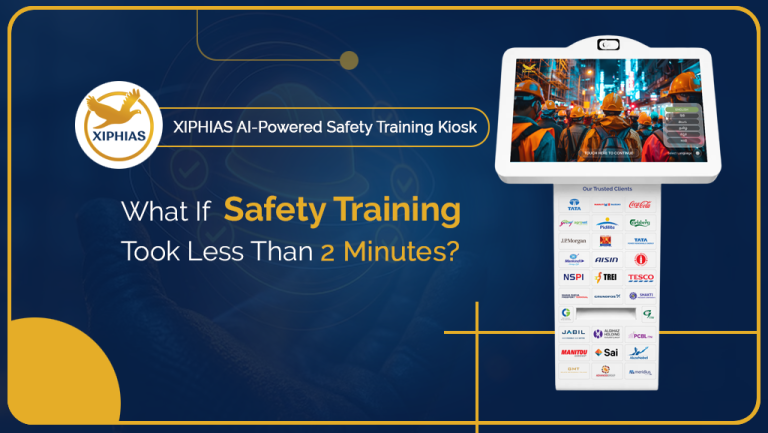
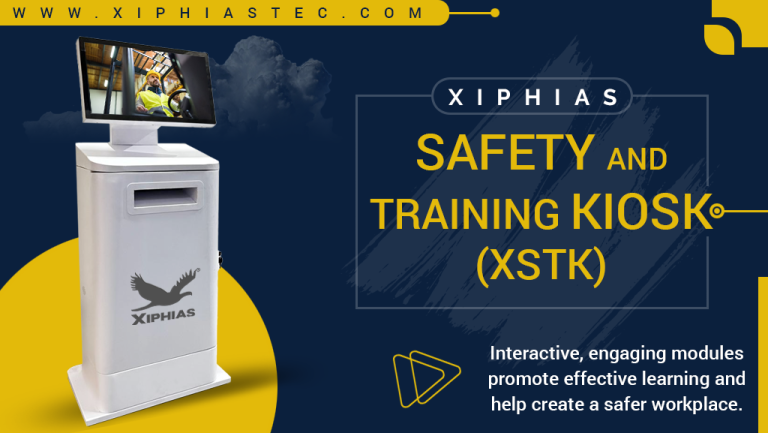
XIPHIAS provides an AI powered Safety Training Kiosk designed to simplify employee induction, interactive learning and training management.
Key capabilities include:
- Under Two Minute Induction: Supports quick induction workflows.
- AI Based Content Generation: Creates training visuals, videos and learning modules.
- Multilingual Training: Supports up to five selected languages.
- Interactive Assessments: Includes multiple choice and objective style questions.
- Instant Certification: Generates certificates after successful assessment.
- Role Based Administration: Provides authorized users with access to relevant training management functions.
- Group Training: Supports team assessments and centralized result tracking.
- Mobile Access: The X-STK Companion app supports training, examinations and certification.
- Reporting: Provides training progress reports with Excel and PDF export options.
These capabilities help businesses move from manual induction processes towards structured digital safety training.
Explore XIPHIAS Safety Training Software to learn more about its features.
Frequently Asked Questions
1. What is a safety training kiosk?
A safety training kiosk is a touchscreen based digital station that delivers workplace safety instructions, employee induction, interactive lessons and assessments.
2. How does a safety training kiosk improve workplace safety?
It helps standardize training, improve employee access to safety information and maintain digital records of training participation and assessments.
3. Can safety training kiosks be used for contractor induction?
Yes. Businesses can provide site specific induction modules to contractors and record their training completion before assigned activities.
4. How does AI improve safety training?
AI can support training content creation and customization, helping businesses organize learning materials according to employee roles and workplace requirements.
5. Can safety training kiosks support multiple languages?
Yes. Multilingual kiosks provide training materials in supported languages, helping diverse workforces understand safety procedures.
6. How do businesses track employee training completion?
Businesses can use safety training software with centralized dashboards to monitor employee progress, assessment results and certification records.
7. Is a safety training kiosk better than classroom training?
Kiosks provide flexibility, standardized digital learning and automated documentation. Classroom training remains valuable for practical demonstrations. Combining both methods can be effective.
8. Can safety training kiosks be customized for different industries?
Yes. Training modules can be customized for manufacturing, construction, oil and gas, warehousing, chemicals and other industrial environments.
Conclusion
Workplace safety training needs to be consistent, accessible and properly documented. A safety training kiosk helps businesses simplify employee induction, deliver interactive learning and manage training records digitally.
For organizations looking to improve workforce training processes, the right combination of kiosk hardware and safety training software can support better training management and operational efficiency.
Explore how XIPHIAS Safety Training Kiosk can help modernize your workplace training process.